How to Take Professional Product Photos with an iPhone: Smartphone to Studio Guide
You don't need a $3,000 DSLR or professional lighting rig to create catalog-worthy product photos. Learn how to turn raw phone pictures into luxury studio renders using simple DIY techniques and AI.
Snappacy Studio Operations Team
Creative Production & Lighting Directors
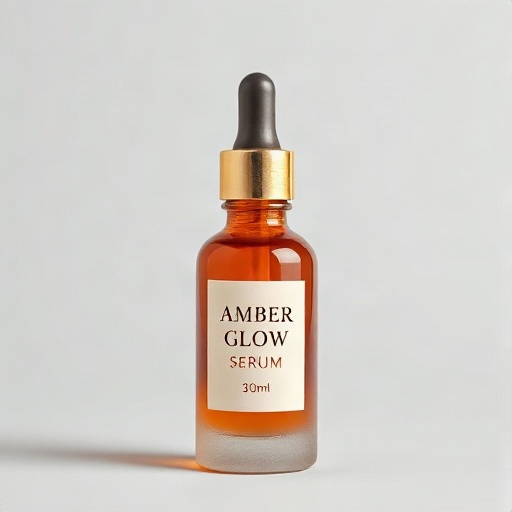
1. Why Your Smartphone Camera is More Than Enough
One of the most persistent myths in e-commerce is that launching a polished brand requires a dedicated photography studio and a $3,500 Sony A7 IV camera with prime macro lenses.
In reality, the device in your pocket possesses more computational processing power and optical sharpness than commercial cameras did a decade ago. High-resolution sensors exceeding 48 megapixels capture immense detail—provided you feed the camera adequate light and configure its settings properly.
By mastering a few simple lighting and framing fundamentals, you can capture pristine raw product photos right on your kitchen table, and then leverage AI to transform them into world-class commercial renders.
2. Crucial Smartphone Camera Settings to Change Right Now
Before taking a single photograph, unlock your phone's professional imaging capabilities with these five quick adjustments:
- Wipe Your Camera Lens: Smartphone lenses gather skin oils and pocket lint all day, causing washed-out milky haze and blurred highlights. Clean the lens with a microfiber cloth before every session.
- Turn on the Camera Grid: In your phone settings (Settings > Camera > Grid on iPhone), enable the 3x3 rule-of-thirds grid. This ensures your product's vertical edges are laser-level and prevents crooked horizon lines.
- Turn Off Flash: Never use the built-in phone LED flash. It casts harsh, flat, direct reflections that wash out labels and create unnatural hard shadows.
- Use Optical Zoom (2x or 3x) Instead of 1x Wide Angle: Standard 1x smartphone lenses are wide-angle (around 24mm equivalent), which causes subtle spherical barrel distortion that bulges cylinder bottles. Switching to your phone's 2x or 3x telephoto optical lens produces flattering, true-to-life perspective compression.
- Lock AE/AF (Auto Exposure / Auto Focus): Tap and hold on your product label until the yellow AE/AF Lock indicator appears. Slide your finger slightly down to drop exposure by 10–15% to prevent blown-out specular highlights on white labels.
3. The $0 Window Lighting Setup That Rivals $1,000 Softboxes
Lighting is the single differentiator between amateur snapshots and commercial studio photography. You do not need expensive strobe units; the sun through a diffused window is the ultimate giant softbox.
The Perfect DIY Window Setup:
1. Locate an East- or North-facing window that receives bright, indirect skylight (never direct, blinding beams of sun).
2. Set a clean table or stool adjacent to the window at a 90-degree angle so light enters from the side.
3. Place your product on a neutral surface (a sheet of white poster board or cardboard).
4. The Secret Weapon ($2 White Foam Board): Place a piece of white foam board opposite the window (on the shadow side of your product). This acts as a bounce reflector, gently bouncing soft fill light back into the dark side of your product and eliminating harsh shadows.
Try It On Your Products
Test Amazon & Shopify Studio Generation in 60 Seconds
Get 3 free credits immediately upon signup. Zero setup fees or card details needed.
4. The 3 Essential Angles to Capture
When taking source photos for your e-commerce catalog or AI generation, ensure you capture these three fundamental perspectives:
- 1. Eye-Level Hero Shot: Position the camera directly level with the midpoint of the product. Avoid shooting down at a downward 45-degree angle from standing height, which makes bottles appear stubby.
- 2. Three-Quarter (45-Degree) Angle: Turn the product 45 degrees to reveal both the front face and side depth, showing dimensional volume and packaging craftsmanship.
- 3. The Back Label / Nutritional Facts: A crisp, flat shot of the rear label detailing ingredient lists, certification icons, barcodes, and usage instructions.
5. Solving Reflections on Glass, Plastic & Glossy Bottles
Glossy materials (cosmetic jars, amber glass bottles, metallic caps) act like mirrors, reflecting your room, ceiling lights, or hands. Here is how professional photographers handle them without expensive gear:
• Hang a Sheer White Curtain: If daylight through the window creates hot white specular streaks, drape a sheer white shower curtain or bedsheet across the window to diffuse the light source evenly.
• Use the 'Cardboard Cutout' Trick: Cut a small circular lens hole in the center of a piece of white poster board and point your camera lens through the hole. Your glossy bottle will now reflect a clean, uniform white field instead of your silhouette.
6. Supercharging Your Phone Shots with Snappacy Studio
Once you have a clean smartphone photograph, the heavy lifting is done. You don't need to spend hours cutting out paths in Photoshop or wrestling with masking brushes.
1. Upload your raw smartphone photo directly into Snappacy Studio.
2. Snappacy's AI isolates your product, removes the room background, fixes subtle lighting imperfections, and grounds the product with physically accurate contact shadows.
3. Choose from over 20+ professional lighting environments—from clinical Amazon white studios to sun-drenched architectural lifestyle scenes.
4. Export high-resolution listing assets ready for Amazon, Shopify, Instagram, and retail distributors.
Test Your Phone Photos Right Now
Snap a quick photo of any item on your desk with your phone right now. Upload it to Snappacy with your 3 free credits and watch it transform into a studio masterpiece in seconds.
Frequently Asked Questions
Turn One Raw Product Photo into High-Converting Listing Assets
Stop waiting 3 weeks for commercial photography studios. Snappacy generates multi-angle white background shots, lifestyle scenes, and social creatives in 60 seconds.
Related Playbooks & Guides
View all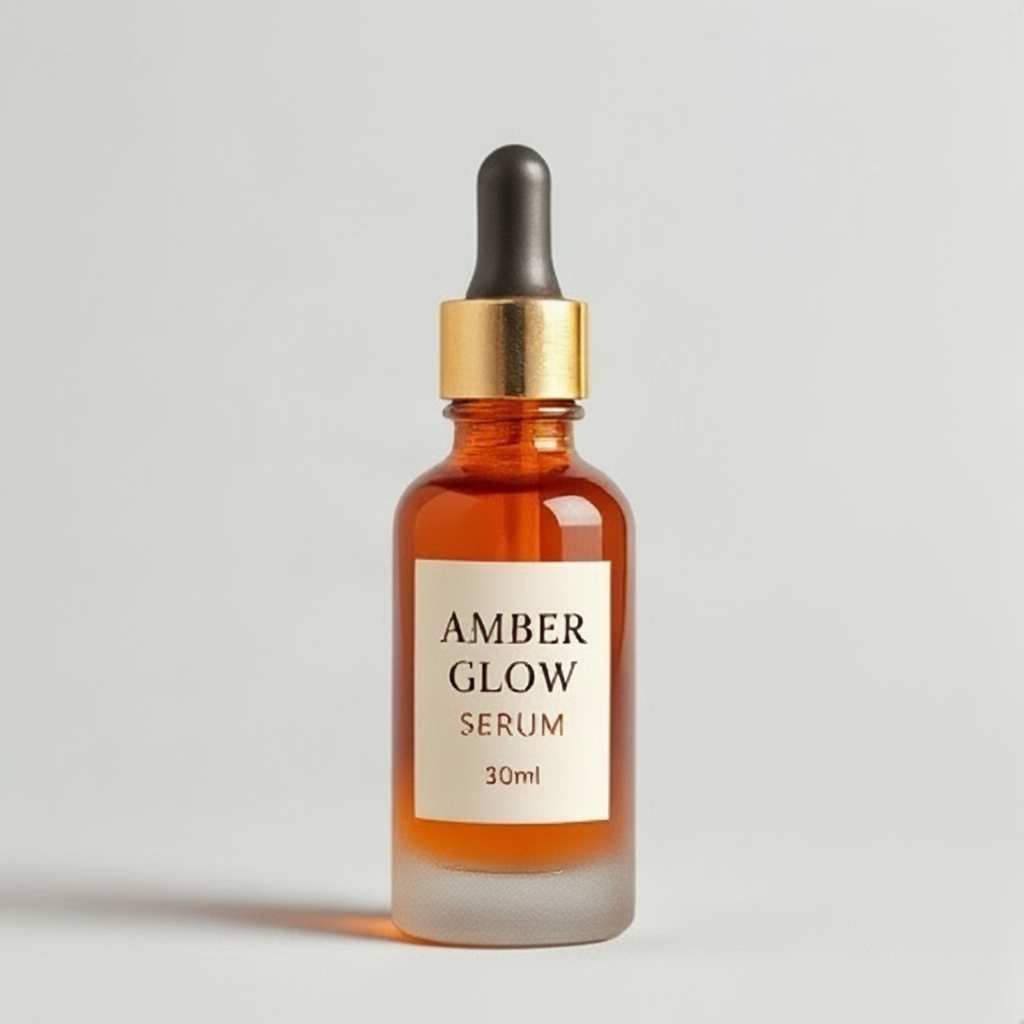
A complete guide to Amazon's technical image standards, common suppression traps, the 7-slot listing formula, and how to generate 100% compliant marketplace assets in minutes.
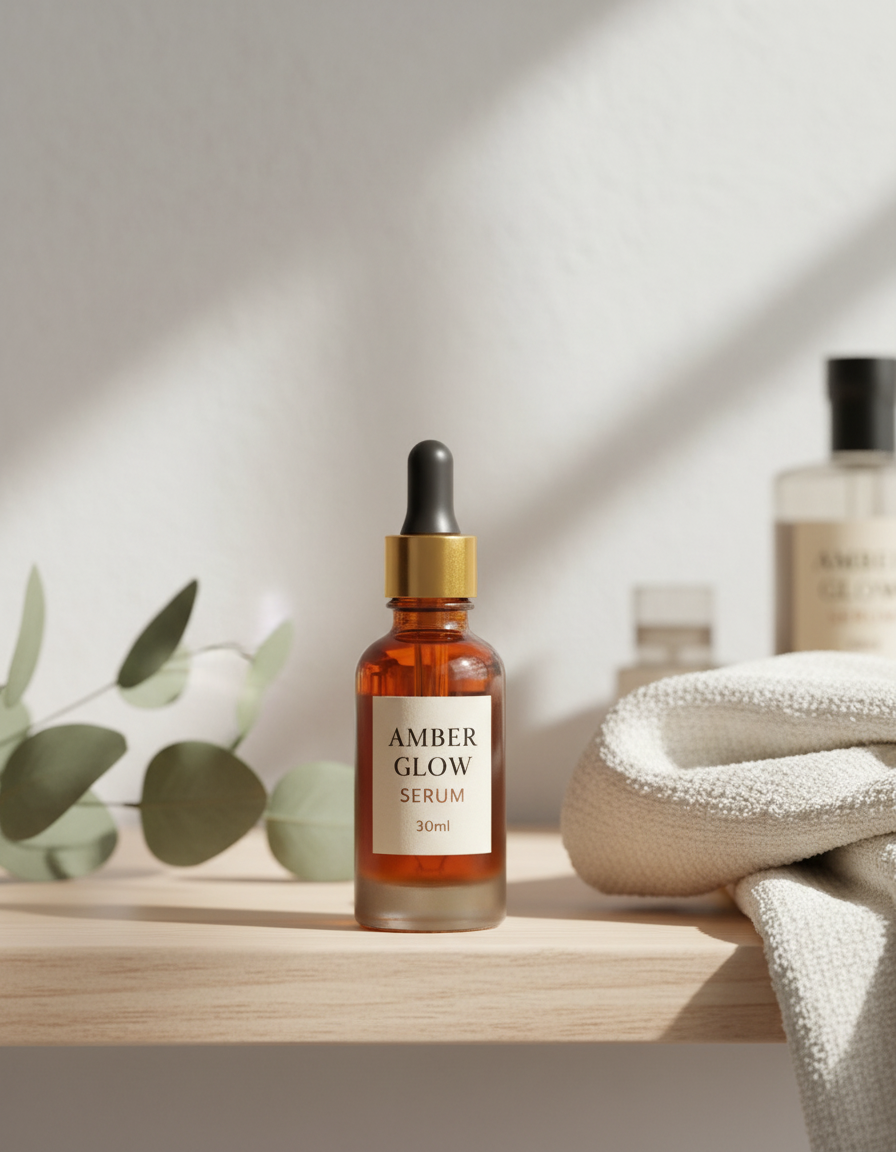
An honest, line-by-line financial breakdown comparing physical commercial photo studios against modern AI generation platforms. Learn when to use each approach for maximum e-commerce profitability.
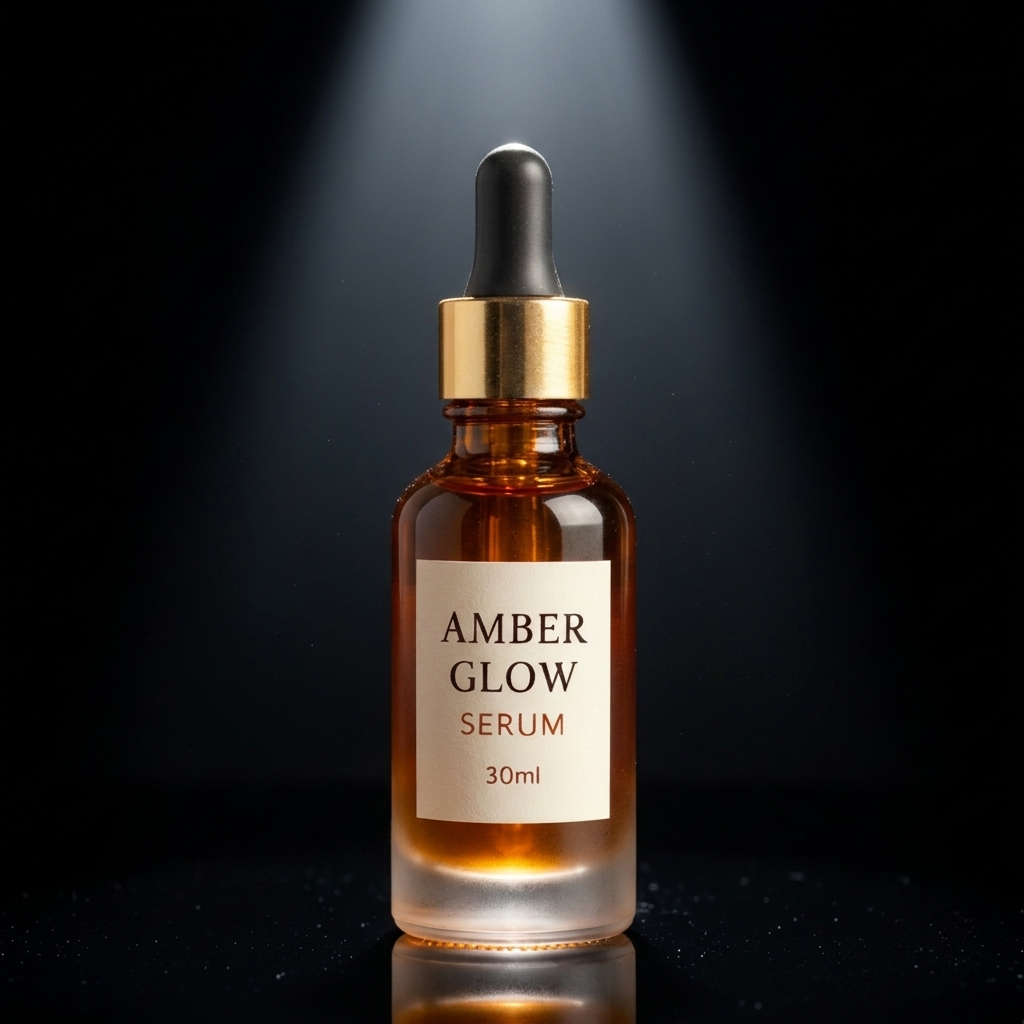
Why pure white-background photos alone fail on Shopify storefronts, how contextual lifestyle imagery increases purchase intent by 40%, and how to build an editorial visual identity on a bootstrap budget.