Amazon Product Photography Requirements (2026 Guide): Specs, Rules & AI Workflow
A complete guide to Amazon's technical image standards, common suppression traps, the 7-slot listing formula, and how to generate 100% compliant marketplace assets in minutes.
Snappacy E-Commerce Research Team
Marketplace Optimization Specialists
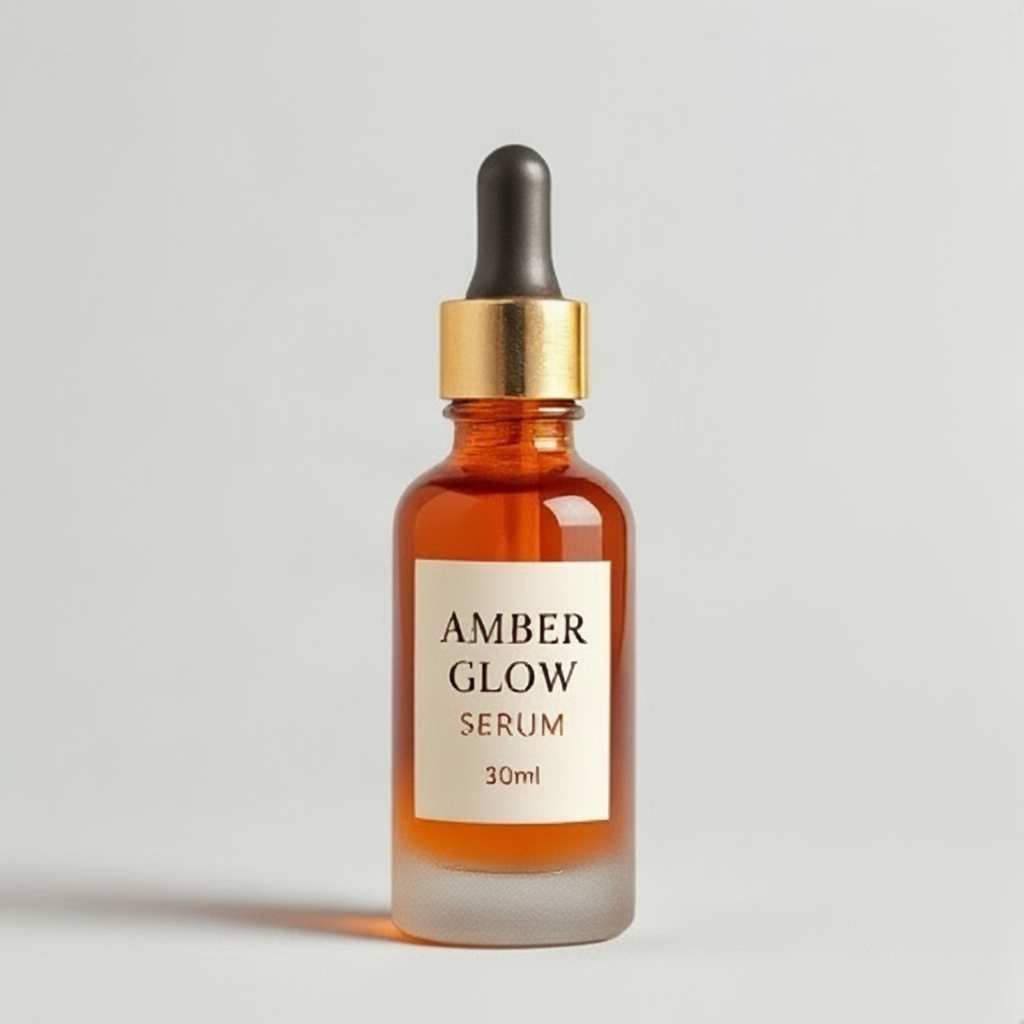
1. Amazon Technical Image Specifications (2026 Checklist)
On Amazon, your product photography is not merely cosmetic—it is the single highest-leverage variable dictating your Click-Through Rate (CTR) and Conversion Rate (CVR). In fact, internal marketplace data indicates that over 82% of purchasing decisions are finalized before a shopper ever scrolls down to read the bullet points.
Before diving into composition and creative strategy, every seller must ensure their images comply with Amazon's core technical specifications. Failure to adhere to these rules results in instant listing suppression, meaning your ASIN becomes invisible in search results until compliant imagery is uploaded.
| Attribute | Amazon Requirement | Recommended Best Practice |
|---|---|---|
| File Format | JPEG (.jpg), PNG (.png), TIFF (.tif), GIF | JPEG for main images; PNG for uncompressed color fidelity |
| Color Profile | sRGB or CMYK | sRGB (standardized for mobile & desktop displays) |
| Image Dimensions | Minimum 500px, Maximum 10,000px longest side | 2,000 × 2,000 px (Square 1:1) to trigger 200% hover zoom |
| Aspect Ratio | 1:1 Square (preferred) | Square (1:1) maximizes screen real estate on mobile devices |
| Background Color | Pure RGB (255, 255, 255) for Main image | Hex #FFFFFF without gradients, shadows, or gray halos |
| Product Fill Ratio | Product must fill at least 85% of image frame | 85% to 90% frame occupancy with balanced margins |
2. The 5 Non-Negotiable Main Image Rules
Amazon's automated computer vision audit engine enforces strict algorithmic checks on your MAIN image (labeled `MAIN` in Seller Central). Any violation triggers an immediate 'Search Suppressed' status flag:
- Pure White Background (RGB 255, 255, 255): The background must be pure digital white. Off-white (#FAFAFA), gray studio backdrops, and artificial drop shadows that touch image borders will be rejected.
- Product Fills 85%+ of Frame: The product should occupy 85% or more of the total image area. Tiny products centered in vast empty canvas get penalized in mobile search rankings.
- Real, Physical Product Only: No 3D mockups, vector illustrations, CAD sketches, or line drawings. The image must depict the actual physical product.
- No Inset Graphics, Text, or Badges: You cannot add text overlays, warranty stamps, '100% Organic' badges, watermarks, or manufacturer logos on the main image.
- Single Pack vs. Multi-Pack Accuracy: You cannot display props, packaging, or accessories that are not physically included in the purchase box. If you sell a single bottle, do not show three bottles.
Pro-Tip: Beware of Fake White Backgrounds
Many amateur photo editors use background removal tools that leave translucent gray halos or faint checkerboard artifacts around product edges. Amazon's scanner samples pixel values at coordinates (0,0) and across edges; any pixel with RGB values lower than 255, 255, 255 flags the listing.
3. Common Suppression Pitfalls & Hidden Traps
Why do seasoned FBA sellers still get hit with image suppression? The most common culprits include:
1. Mannequins in Apparel: For clothing categories, apparel must be shown on a live model or flat-lay / invisible ghost mannequin. Displaying visible plastic mannequins is explicitly forbidden.
2. Accidental Drop Shadows Touching Edges: While subtle contact grounding shadows immediately beneath the product base are permitted, shadows extending to the canvas border invalidate pure RGB 255.
3. Mobile Crop Issues: Images that are not formatted in a 1:1 square ratio often get awkwardly cropped on the Amazon mobile shopping app, cutting off product caps, bases, or label text.
Try It On Your Products
Test Amazon & Shopify Studio Generation in 60 Seconds
Get 3 free credits immediately upon signup. Zero setup fees or card details needed.
4. The High-Converting 7-Slot Secondary Image Formula
While your Main image must follow rigid minimalist guidelines, slots 2 through 7 in your image carousel are where conversions are won. Top-performing brands follow this exact seven-slot formula:
- Slot 1 (MAIN): Studio hero shot on pure white RGB 255, filling 85% of frame.
- Slot 2 (45° Dimensional Angle): Shows depth, thickness, back-bevel, or side ergonomics so buyers understand the 3D form factor.
- Slot 3 (Lifestyle in Context): Real-world environmental scene (e.g. serum on a sunlit bathroom vanity; coffee mug on an oak kitchen counter).
- Slot 4 (Scale & Dimensions): Visual callout comparing the product to everyday objects or displaying annotated centimeter/inch measurements.
- Slot 5 (Ingredient / Material Macro): Ultra-high-resolution close-up showing texture, stitching, wood grain, or premium cosmetic formulation.
- Slot 6 (Unboxing & Packaging): Clean shot of the retail gift box, certification seals, and all items included inside the package.
- Slot 7 (Infographic / Benefit Stacking): Bold visual addressing the #1 customer hesitation or highlighting warranty and customer support.
5. How AI Solves Amazon Photography at Scale
Traditionally, generating a full 7-slot asset pack for a single SKU required shipping samples to a commercial photo studio, booking models, renting studio backdrops, and waiting 2 to 3 weeks for retouching—costing anywhere from $600 to $1,800 per product.
AI product photography fundamentally reshapes this workflow. With purpose-built models like Snappacy:
• You upload one clear photo taken on a smartphone or existing catalog shot.
• The neural pipeline isolates the product with sub-pixel edge detection, preserving label typography, foil stamping, and glass refraction.
• In 60 seconds, it renders an Amazon-compliant RGB 255 main shot alongside multiple contextual lifestyle environments tailored to your brand aesthetic.
6. Step-by-Step Amazon Pack Generation with Snappacy
Here is how you can generate an entire Amazon-ready listing pack using Snappacy in under 5 minutes:
Step 1: Take a clean, front-facing photo of your product against any plain surface in even natural light.
Step 2: Upload the photo to Snappacy Studio. The platform automatically detects category geometry and color profiles.
Step 3: Select the 'Amazon Marketplace Main' template to instantly render your pure white RGB 255 hero asset.
Step 4: Select secondary templates—such as 'Editorial Marble', 'Oak Kitchen', or 'Studio High Gloss'—to generate high-converting lifestyle slots.
Step 5: Download the entire listing package in high-resolution, cropped and optimized for immediate upload to Amazon Seller Central.
Ready to Test Your Products?
Snappacy gives every new seller 3 free credits upon signup. You can upload a raw photo right now and test Amazon-compliant outputs with zero commitment.
Frequently Asked Questions
Turn One Raw Product Photo into High-Converting Listing Assets
Stop waiting 3 weeks for commercial photography studios. Snappacy generates multi-angle white background shots, lifestyle scenes, and social creatives in 60 seconds.
Related Playbooks & Guides
View all
An honest, line-by-line financial breakdown comparing physical commercial photo studios against modern AI generation platforms. Learn when to use each approach for maximum e-commerce profitability.
Why pure white-background photos alone fail on Shopify storefronts, how contextual lifestyle imagery increases purchase intent by 40%, and how to build an editorial visual identity on a bootstrap budget.
You don't need a $3,000 DSLR or professional lighting rig to create catalog-worthy product photos. Learn how to turn raw phone pictures into luxury studio renders using simple DIY techniques and AI.