How to Create High-Converting Lifestyle Product Photos for Shopify (Without a Studio)
Why pure white-background photos alone fail on Shopify storefronts, how contextual lifestyle imagery increases purchase intent by 40%, and how to build an editorial visual identity on a bootstrap budget.
Snappacy Visual Identity Team
DTC Brand & Conversion Specialists
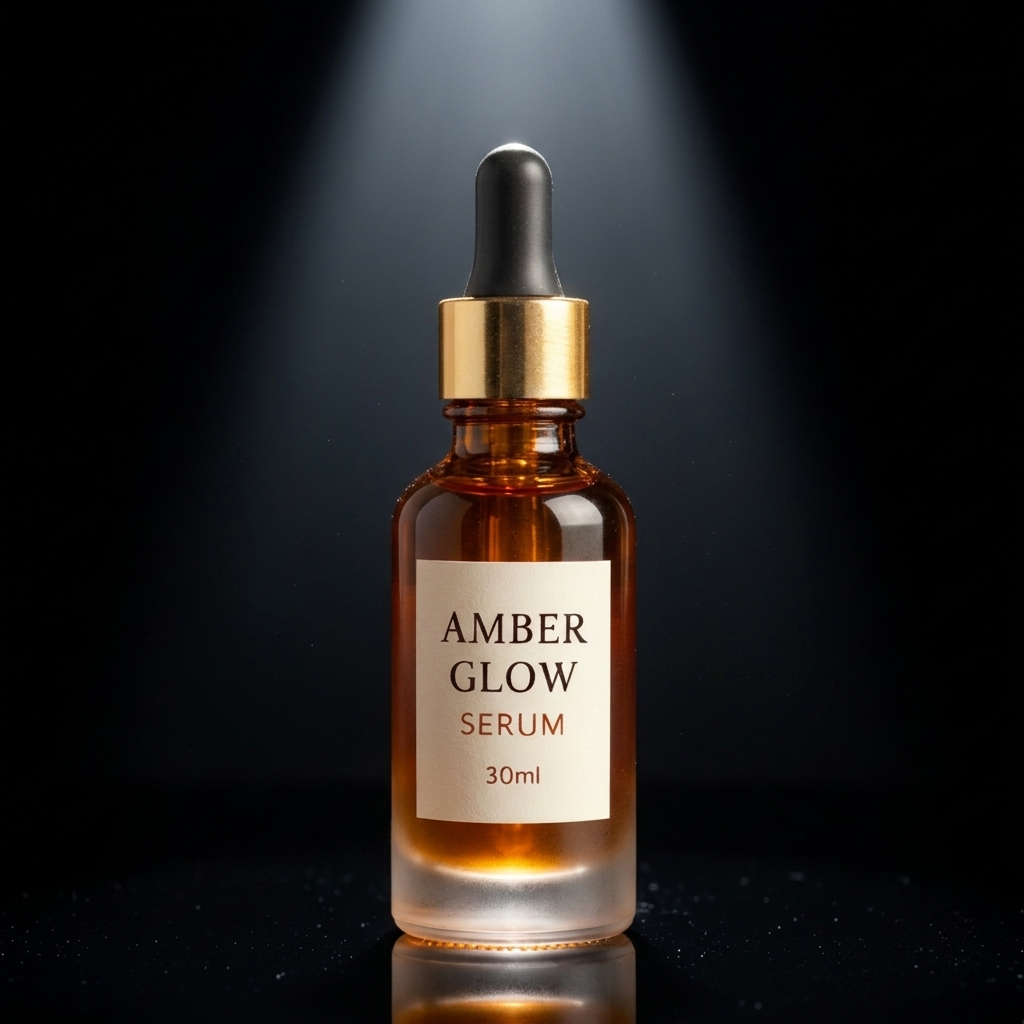
1. Why White Backgrounds Alone Kill Shopify Conversions
When shoppers land on an Amazon listing, they already know they want a phone case, a moisturizer, or a stainless steel water bottle. They compare star ratings, prime delivery badges, and technical specs. That is why Amazon mandates sterile white-background hero shots.
Shopify storefronts operate on an entirely different psychological wavelength. On your DTC brand site, you are not competing on a commodity price grid—you are selling an aspiration, an identity, and a lifestyle experience.
According to Shopify consumer benchmark studies, product pages featuring context-rich lifestyle photography achieve an average 38% increase in time-on-page and a 29% boost in checkout conversions compared to stores relying solely on clinical white cutout shots.
2. The Psychology of Contextual Staging
Online shoppers cannot physically touch, smell, or hold your merchandise. To bridge that sensory deficit, their brain relies on environmental visual cues:
• Perceived Material Value: A ceramic candle photographed on a raw Carrara marble slab instantly conveys high craftsmanship and luxury pricing ($45+), whereas the identical candle on a flat digital white canvas looks like a $12 wholesale item.
• Scale and Believability: Seeing a cosmetic bottle resting next to fresh eucalyptus leaves and natural morning sun patterns provides immediate intuitive scale and communicates organic purity.
• Emotional Ownership: When a buyer sees a sleek tumbler sitting on a sunlit mid-century oak desk, they imagine it on their own desk.
3. The 4 Essential Shots Every Shopify PDP Needs
To maximize conversion rates and prevent buyer hesitation, structure your Shopify product media gallery around these four core archetypes:
- 1. The Hero Statement Shot (Clean Studio Lighting): A crisp, high-contrast perspective showcasing the product with subtle, soft shadows. Clean and refined, this establishes product clarity.
- 2. The Natural Habitat / Lifestyle Scene: The product positioned organically in its intended native environment (e.g. bathroom vanity, kitchen countertop, wellness gym, urban café).
- 3. The Material Macro / Formula Texture: An intimate close-up revealing the tactile texture—serum droplets, fine leather stitching, knurled metal dials, or botanical grain.
- 4. The Editorial Collection Lineup: Displaying multiple product variants, shades, or complementary routine steps together to encourage bundling and higher Average Order Value (AOV).
Try It On Your Products
Test Amazon & Shopify Studio Generation in 60 Seconds
Get 3 free credits immediately upon signup. Zero setup fees or card details needed.
4. Matching Your Scene Aesthetic to Your Brand Persona
The biggest mistake DTC brands make is using generic or mismatched backdrops. Your visual staging must directly align with your brand positioning:
• Clean Skincare & Wellness: Pair with 'Botanical Greenhouse', 'Marble Morning', or 'Fresh Water Ripples'. Soft, diffused daylight, hints of organic greenery, and pristine stone.
• Artisanal Coffee, Spices & Gourmet Food: Pair with 'Oak & Linen Kitchen' or 'Warm Bistro Terrace'. Rich wooden textures, warm amber rim light, and natural earthenware.
• Tech Gadgets, Audio & EDC Gear: Pair with 'Raw Concrete Loft' or 'Dark Studio Neon'. Sharp directional rim lights, matte dark surfaces, and industrial architectural lines.
• Luxury Fragrance & Premium Spirits: Pair with 'Midnight Jewel' or 'High-Gloss Caustics'. Dramatic chiaroscuro lighting, deep reflections, and rich velvet undertones.
5. Mobile Image Optimization & Aspect Ratios
Over 76% of all Shopify transactions in 2026 occur on mobile devices. Optimizing your photography for vertical smartphone screens is essential:
• Prefer 4:5 Vertical (1200 × 1500 px) or 1:1 Square (1500 × 1500 px): Vertical 4:5 formats occupy maximum viewport height above the fold, keeping the 'Add to Cart' button within easy thumb reach.
• Use WebP Format: Ensure your images are compressed under 300KB to maintain sub-second page load times while preserving 4K Retina clarity.
• Crisp Contrast for OLED Screens: Modern smartphone screens feature vibrant OLED displays. Avoid dull, muddy contrast—ensure deep blacks and bright, clean highlights.
6. Building Your Shopify Visuals in Snappacy
With Snappacy Studio, transforming your Shopify visual identity requires zero expensive props or studio rentals:
1. Upload your product photo or packaging flat shot.
2. Browse Snappacy's curated scene library designed specifically for modern e-commerce brands.
3. Pick your aspect ratio (1:1 for clean grid themes or 4:5 for high-impact mobile themes).
4. Click Generate and receive high-resolution, photorealistic lifestyle shots in seconds.
Upgrade Your Shopify Storefront Today
Give your e-commerce store the high-end look of a venture-backed brand. Try Snappacy free with 3 credits and launch your new lifestyle catalog today.
Frequently Asked Questions
Turn One Raw Product Photo into High-Converting Listing Assets
Stop waiting 3 weeks for commercial photography studios. Snappacy generates multi-angle white background shots, lifestyle scenes, and social creatives in 60 seconds.
Related Playbooks & Guides
View all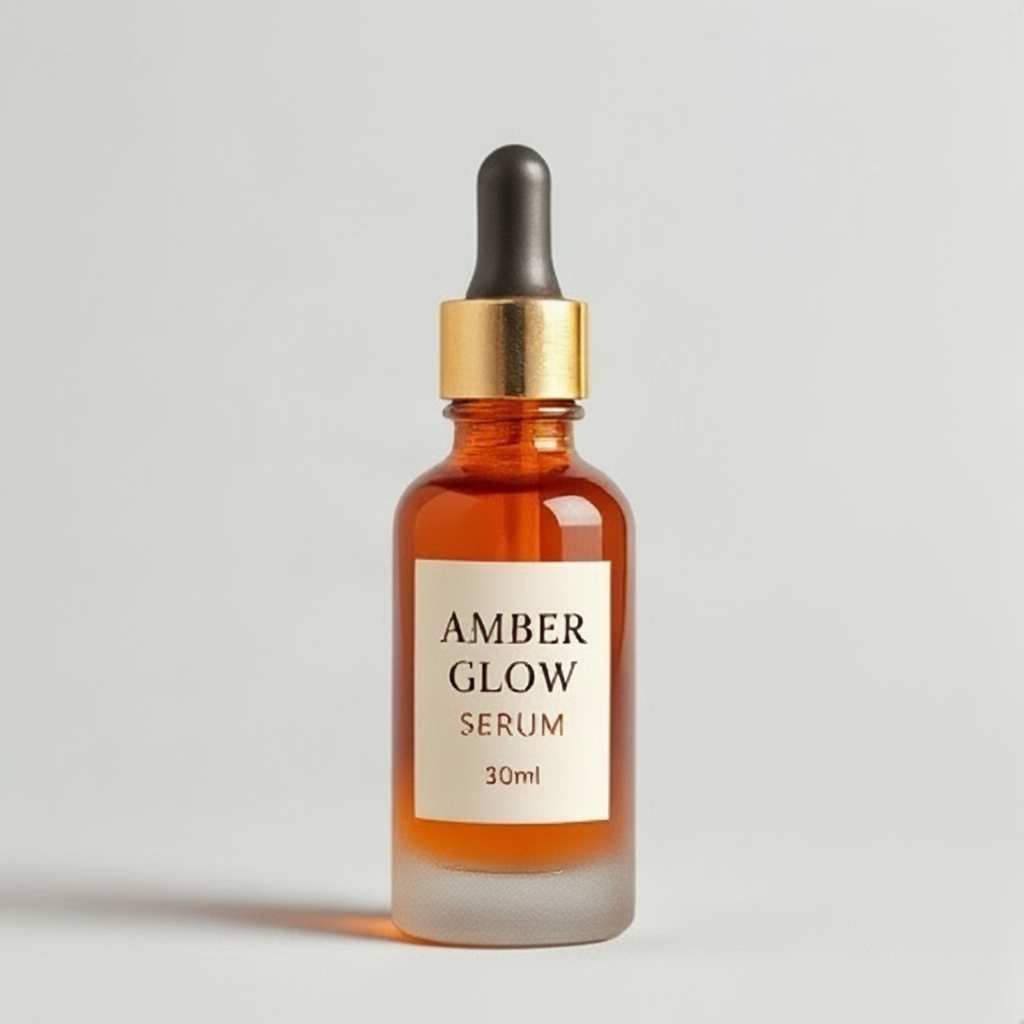
A complete guide to Amazon's technical image standards, common suppression traps, the 7-slot listing formula, and how to generate 100% compliant marketplace assets in minutes.
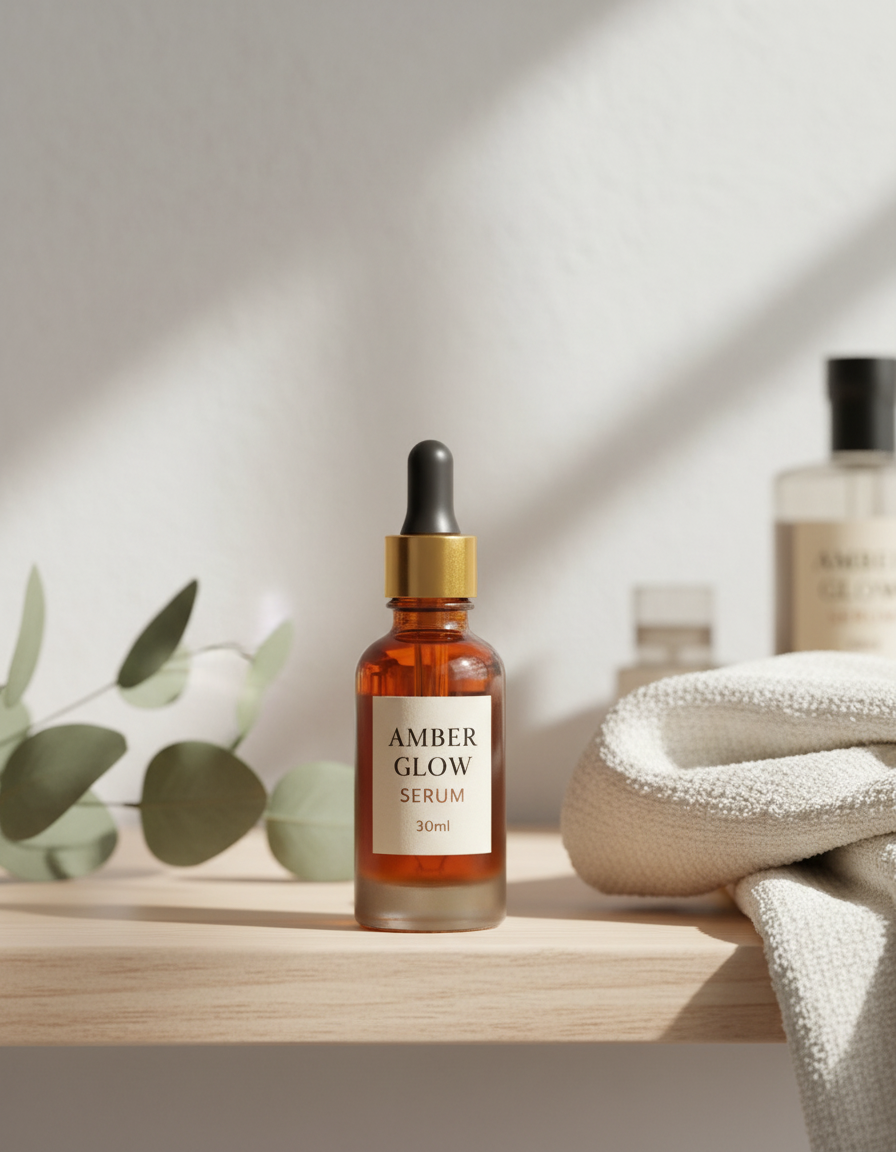
An honest, line-by-line financial breakdown comparing physical commercial photo studios against modern AI generation platforms. Learn when to use each approach for maximum e-commerce profitability.
You don't need a $3,000 DSLR or professional lighting rig to create catalog-worthy product photos. Learn how to turn raw phone pictures into luxury studio renders using simple DIY techniques and AI.